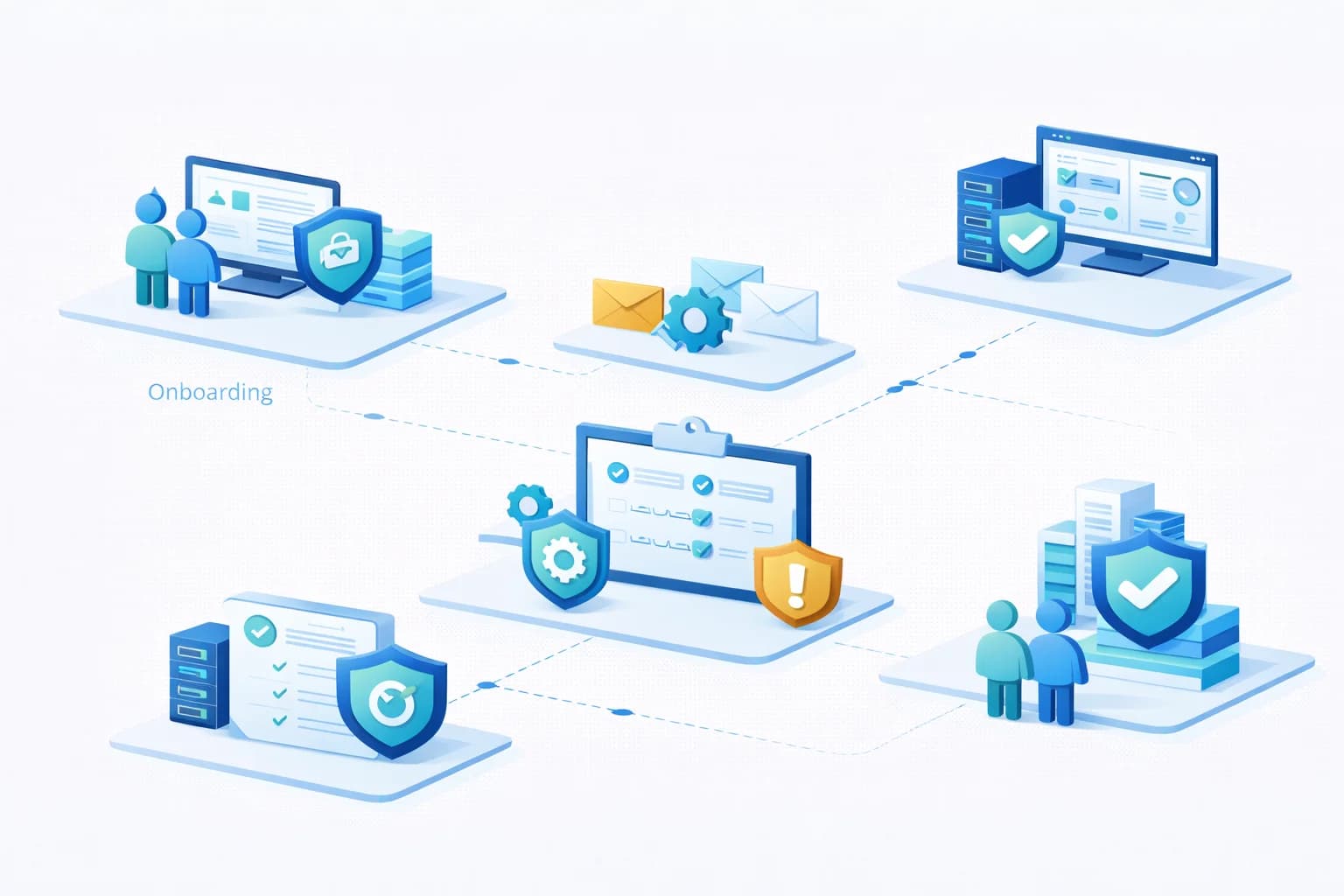
What Good Onboarding Looks Like
When organisations transition to a new IT provider, the onboarding process plays a critical role in determining whether the relationship begins with stability or uncertainty.
Unfortunately, onboarding is often treated as a brief administrative step rather than a structured operational process. In many cases, new providers simply inherit existing systems and begin responding to support requests without first assessing the condition of the environment.
This approach can allow underlying issues, security gaps, and configuration inconsistencies to persist for months or even years.
A structured onboarding process ensures that the IT environment is understood, documented, and stabilised before long-term management begins.
This guide explains what a proper onboarding process should include and why it is essential for maintaining reliable IT systems.
Why Onboarding Matters
Every IT environment develops its own history over time. Systems may have been installed by different providers, configured under different policies, or adapted to meet short-term operational needs.
As a result, environments frequently contain:
- undocumented infrastructure
- inconsistent device configurations
- outdated security settings
- incomplete backup systems
- legacy administrative access accounts
Without a structured onboarding process, these issues often remain hidden until they cause disruption.
Onboarding provides an opportunity to establish a clear operational baseline and ensure that systems meet minimum reliability and security standards.
Stage 1: Environment Discovery
The first stage of onboarding focuses on understanding the organisation's current technology environment.
This process typically involves identifying and documenting:
- servers and infrastructure systems
- workstations and mobile devices
- network equipment
- cloud services such as Microsoft 365
- user accounts and identity systems
- backup systems
- security tools
Discovery may involve a combination of automated tools and manual review to ensure all systems are identified.
The objective is to create an accurate inventory of systems and services that require management.
Stage 2: Access and Administrative Control Review
Before ongoing management can begin, the provider must confirm that administrative access to systems is secure and properly controlled.
This stage normally includes reviewing:
- administrative accounts
- privileged access roles
- multi-factor authentication enforcement
- service accounts used by applications
- password policies
Legacy environments sometimes contain multiple administrative accounts created by previous providers or contractors. These accounts may no longer be necessary but can present security risks if left unmanaged.
Establishing secure access governance is therefore a critical early step.
Stage 3: Documentation Development
Reliable documentation is essential for maintaining operational continuity.
During onboarding, providers typically develop or update documentation such as:
- network diagrams
- system inventories
- infrastructure architecture
- backup configuration details
- administrative access procedures
Good documentation ensures that systems can be managed consistently and reduces dependence on individual knowledge.
It also improves troubleshooting efficiency during incidents.
Stage 4: Security Baseline Assessment
Once systems have been identified and documented, the next step is evaluating whether security controls meet basic operational standards.
Typical security review areas include:
- multi-factor authentication implementation
- endpoint protection deployment
- Microsoft 365 security configuration
- email security controls
- administrative privilege management
- patch management status
Many organisations discover that security features available within their existing platforms have not been fully implemented.
The onboarding process identifies these gaps so that improvements can be prioritised.
Stage 5: Backup and Recovery Verification
Backup systems must be reliable before long-term management begins.
During onboarding, providers usually verify:
- whether backups are running successfully
- what data and systems are included
- how frequently backups occur
- where backup data is stored
- whether recovery testing has been performed
It is not uncommon for organisations to discover that backups have been failing silently or that recovery procedures are unclear.
Testing restoration capability is often one of the most important parts of onboarding.
Stage 6: System Stabilisation
After discovery and assessment, the onboarding process often includes a stabilisation phase.
This stage focuses on addressing the most urgent operational risks identified during earlier reviews.
Typical stabilisation work may include:
- correcting backup failures
- enabling multi-factor authentication
- patching unsupported systems
- resolving monitoring gaps
- securing administrative access
The goal is to ensure that systems reach a stable and manageable state before ongoing service management begins.
Stage 7: Monitoring Deployment
Proactive monitoring is essential for maintaining system health.
During onboarding, providers normally deploy monitoring tools that track:
- server performance
- workstation health
- network availability
- backup success
- security alerts
Monitoring ensures that potential problems can be detected and addressed early.
Without monitoring, providers rely entirely on user-reported issues, which returns the environment to a reactive support model.
Stage 8: Service Alignment and Operational Planning
The final stage of onboarding focuses on aligning ongoing service delivery with the organisation's operational needs.
This typically includes:
- confirming support processes
- defining response expectations
- identifying system lifecycle priorities
- planning future improvements
Clear alignment ensures that both the organisation and the provider understand how IT services will operate moving forward.
Common Signs of Poor Onboarding
When onboarding is rushed or incomplete, several problems often emerge later.
Warning signs include:
- systems without documentation
- unknown backup status
- inconsistent security configuration
- recurring technical problems that were never fully resolved
- unclear administrative ownership
These issues can make long-term IT management significantly more difficult.
A structured onboarding process helps prevent these problems from developing.
Benefits of a Structured Onboarding Process
Organisations that undergo proper onboarding typically gain several advantages.
Greater Operational Visibility
Documented systems and inventories make it easier to understand how the environment operates.
Improved Security
Baseline security controls are implemented consistently across devices and systems.
Faster Problem Resolution
Monitoring and documentation enable issues to be diagnosed quickly.
Reduced Long-Term Risk
Stabilising the environment early prevents recurring operational problems.
More Predictable Service Delivery
Providers can manage systems more effectively when environments are properly understood.
Final Thoughts
Onboarding is not simply an administrative step when engaging a new IT provider. It is a critical process that determines whether systems will be managed effectively over the long term.
A structured onboarding approach allows providers to understand the environment, identify risks, and stabilise systems before ongoing service management begins.
This foundation ensures that IT services operate predictably and that organisations can rely on their systems with confidence.
Unsure whether your current IT environment has ever undergone proper onboarding?
A structured IT review can help identify gaps in documentation, security, and operational visibility.