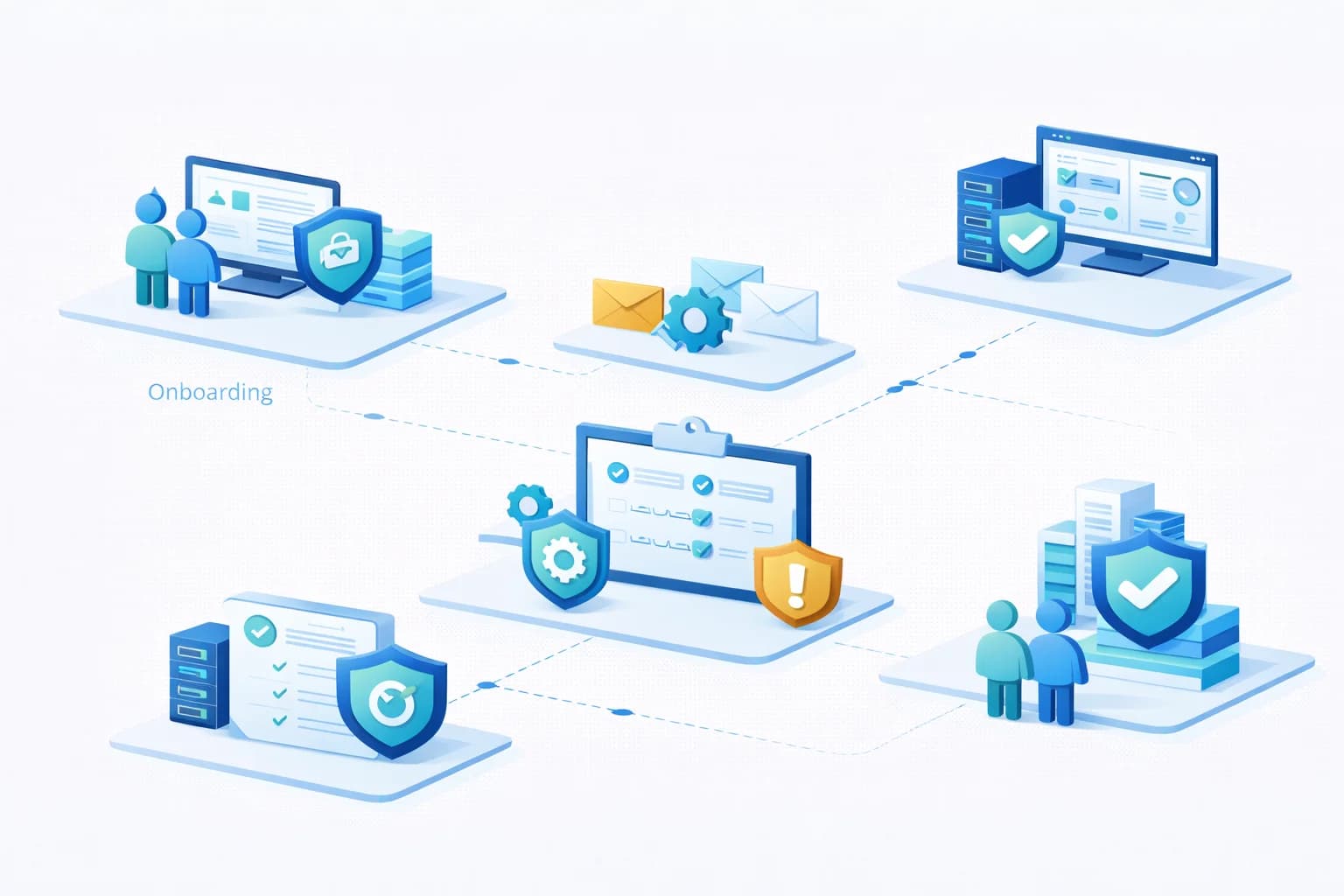
Structured IT Operational Baseline Assessment
Before an organisation's IT environment can be managed effectively, it must first be understood. Systems that evolve over time often accumulate configuration inconsistencies, undocumented changes, and security gaps that are not immediately visible during day-to-day operations.
A structured IT operational baseline assessment provides a clear view of the current environment. It identifies systems, evaluates their configuration, and highlights operational risks that may require attention.
Rather than reacting to problems as they occur, this process establishes a foundation for stable and predictable IT management.
This guide explains what an operational baseline assessment involves, why it is necessary, and how organisations benefit from understanding the condition of their IT environment.
Why Baseline Assessments Are Important
Many organisations assume their IT environment is functioning normally because users can access systems and perform daily tasks. However, operational issues frequently remain hidden until a disruption or security incident occurs.
Common examples include:
- backup systems that have been failing silently
- devices operating without security updates
- outdated administrative access accounts
- undocumented cloud services
- unsupported operating systems
These issues may not cause immediate problems, but they significantly increase operational risk.
A baseline assessment allows organisations to identify these issues early and prioritise improvements before they lead to incidents.
What an Operational Baseline Assessment Examines
A structured assessment typically evaluates several key areas of the IT environment.
Infrastructure Inventory
The first step is identifying all systems that form part of the environment.
This usually includes:
- servers and virtual infrastructure
- workstations and laptops
- network equipment such as firewalls and switches
- cloud platforms including Microsoft 365 or Azure
- mobile devices and remote access systems
Maintaining an accurate inventory ensures that no systems remain unmanaged or overlooked.
Identity and Access Management
User accounts and administrative privileges represent one of the most significant security risks in modern IT environments.
An assessment normally reviews:
- user account configuration
- administrative privilege assignments
- multi-factor authentication status
- service accounts used by applications
- password and access policies
The objective is to confirm that access to systems and data is controlled appropriately and that unnecessary privileges are removed.
Security Configuration
Security controls must be implemented consistently across the environment.
A baseline security review may examine:
- endpoint protection status
- operating system patch levels
- Microsoft 365 security configuration
- email filtering and protection settings
- firewall configuration
- monitoring of authentication activity
Many organisations already have access to strong security capabilities but have not fully configured them.
The assessment identifies where improvements may be required.
Backup and Recovery Readiness
Backups play a critical role in responding to incidents such as ransomware, hardware failure, or accidental data loss.
An assessment normally verifies:
- which systems and data are included in backups
- how frequently backups occur
- where backup data is stored
- whether backups have been completing successfully
- whether recovery testing has been performed
Backup systems that appear to be functioning may still fail during recovery if they have not been tested.
Ensuring recovery readiness is therefore a key part of the baseline review.
Monitoring and Operational Visibility
Proactive monitoring is essential for maintaining stable IT systems.
During the assessment, providers typically evaluate whether monitoring systems are in place to track:
- server health
- workstation performance
- network connectivity
- backup success
- security alerts
Without monitoring, organisations rely entirely on users reporting problems, which often delays detection of operational issues.
System Lifecycle Status
Technology systems have limited operational lifespans.
An assessment usually reviews:
- operating system support status
- hardware age and warranty coverage
- software lifecycle status
- compatibility with current security requirements
Unsupported systems can introduce security vulnerabilities and increase the likelihood of operational failures.
Identifying lifecycle issues allows organisations to plan upgrades proactively.
How the Assessment Process Works
A structured baseline assessment normally follows several stages.
Discovery
Automated tools and manual review processes are used to identify devices, services, and infrastructure components.
This stage establishes a complete inventory of systems requiring management.
Configuration Review
Once systems have been identified, their configuration is evaluated against operational standards and security best practices.
The review highlights areas where systems may deviate from recommended configurations.
Risk Identification
The assessment identifies operational risks such as:
- missing security controls
- unsupported systems
- unreliable backup processes
- undocumented infrastructure
- inconsistent configuration standards
These findings help organisations understand which issues require attention first.
Documentation
A key outcome of the assessment is improved documentation.
Typical documentation produced or updated during the process includes:
- system inventories
- infrastructure diagrams
- identity and access summaries
- backup architecture
- monitoring coverage
Accurate documentation improves both operational efficiency and long-term resilience.
Prioritised Recommendations
Once the assessment is complete, organisations typically receive a set of recommendations addressing identified risks.
These recommendations may include:
- implementing security improvements
- replacing unsupported systems
- standardising device configuration
- improving backup processes
- deploying monitoring systems
Prioritisation ensures that the most critical risks are addressed first.
Common Issues Identified During Baseline Reviews
Operational assessments often uncover recurring issues across many environments.
Examples frequently include:
- multi-factor authentication not fully enforced
- legacy administrative accounts remaining active
- backup systems not covering all critical data
- inconsistent patch management
- incomplete documentation
- outdated operating systems
Addressing these issues early can significantly reduce the likelihood of future disruptions.
Benefits of Conducting a Baseline Assessment
Organisations that perform structured operational assessments gain several advantages.
Greater Visibility
A complete view of the environment makes it easier to manage systems effectively.
Improved Security
Identifying missing security controls reduces exposure to cyber threats.
More Reliable Systems
Resolving configuration inconsistencies improves overall stability.
Better Planning
Understanding system lifecycle status allows organisations to plan upgrades and investments more effectively.
Reduced Operational Risk
Addressing issues early prevents small problems from developing into major incidents.
Final Thoughts
Many IT environments operate for years without a clear understanding of their configuration, security posture, or operational readiness. While systems may appear stable, hidden issues can significantly increase the risk of disruption.
A structured IT operational baseline assessment provides the visibility needed to manage technology environments confidently. By identifying risks, documenting systems, and prioritising improvements, organisations can move from reactive troubleshooting toward a more stable and predictable IT environment.
Want to understand the current condition of your IT environment?
A structured operational assessment can identify risks, clarify system ownership, and provide a roadmap for improving stability and security.